How-to & growth / Creative practice
Hybrid AI music video: when generated footage and code-made motion belong together
How to brief a hybrid AI music video that combines generated footage with beat-exact code motion, without losing budget control or visual focus.
The short answer
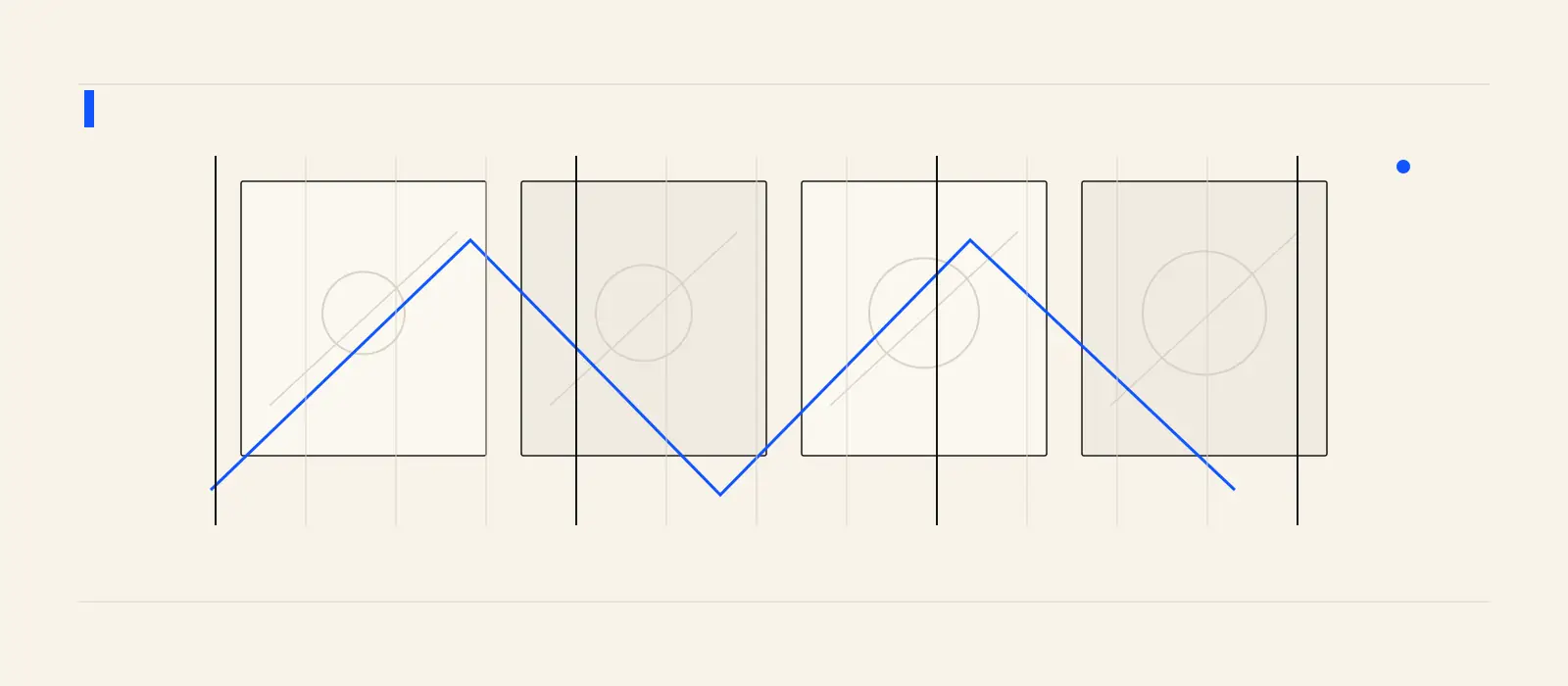
Use hybrid video when the song needs photographic or painterly material but still benefits from code-level timing. In Studio, hybrid mode commissions a small set of images and image-to-video clips, saves them to the library, then composites them with generated code motion. Brief the footage, the motion rule, and the budget ceiling separately.
When hybrid is the right choice
Hybrid is useful when the song wants physical texture: a landscape, an object, a creature, smoke, fabric, architecture, or a stylized character. Pure code can react to the beat with discipline, but it cannot invent a believable shot of a place. A video model can supply that shot, while code can keep the edit locked to the measured grid.
Seedance 2.5 supports flexible reference inputs and joint audio-video generation, according to ByteDance. Google says Veo 3.1 supports 8-second clips, reference images, first and last frames, and extension in the Gemini API. Those capabilities make footage easier to shape, but they still need a production structure around them.
Brief three layers
Write the brief in layers. First, describe the visual world: material, palette, subject, and camera behavior. Second, describe the song behavior: what the kick, chorus, silence, or lyric should do to the picture. Third, set limits: maximum images, maximum clips, aspect ratio, lyrics on or off, and what must not appear.
- Footage layer: what images or clips should exist.
- Motion layer: how the code scene responds to time, energy, and lyrics.
- Budget layer: how many generated assets can be attempted before review.
Keep the edit small enough to approve
A hybrid job can become expensive if every uncertainty turns into another clip. Start with one song window that contains a clear change. Ask for only the material that the edit needs. Studio records model, settings, prompt, cost, and source relationships, so the approved cut can be understood later instead of becoming an unexplained artifact.
The honest tradeoff is that hybrid adds review work. You are approving both media assets and the final composition. That is worthwhile when the finished cut needs a richer surface than code alone can provide.
Budget with clip lengths in mind
Video models bill by their own rules. In Studio, Veo 3.1 1080p is priced at $0.20 per second and Veo clips snap to 4, 6, or 8 seconds, so a 5-second request is billed as 6 seconds. Treat every generated clip as a production choice, not a casual draft.
Connect the work
Go deeper before the next release decision.
Footage needs a spine
Make generated clips behave like one music video.
Choose the song window, describe the footage and motion rule, and use Studio to produce a hybrid cut that keeps the artist direction coherent before you export.
Create a hybrid cutFrequently asked
Questions, answered.
- Is hybrid better than code video?
- No. It serves a different job. Use code when precision and abstraction are enough; use hybrid when the song needs generated visual material plus beat-exact structure.
- Does hybrid mode keep the generated assets?
- Yes. Studio saves commissioned images and clips to the library, then records their relationship to the final composition.
Sources