Research & evidence / AI music
Measured BPM beats prompted BPM for beat-synced visuals
Why music visuals should follow the tempo in the audio file, not the tempo typed into a prompt or saved in a project note.
The short answer
Beat-synced visuals should use measured tempo from the audio, not prompted tempo. In Artifex analysis, four songs stored as 165 BPM all tracked near 130 BPM, and one home-grown detector read a 174 BPM track as 117.5 while aubio found 178.8. The file is the source of truth.
The mismatch is normal
A generation prompt may ask for 165 BPM, but the rendered audio can land somewhere else. That is not a moral failure of the tool; it is a production fact. The visual system should follow the file listeners will hear. In Artifex analysis, four songs stored as 165 BPM all tracked around 130 BPM.
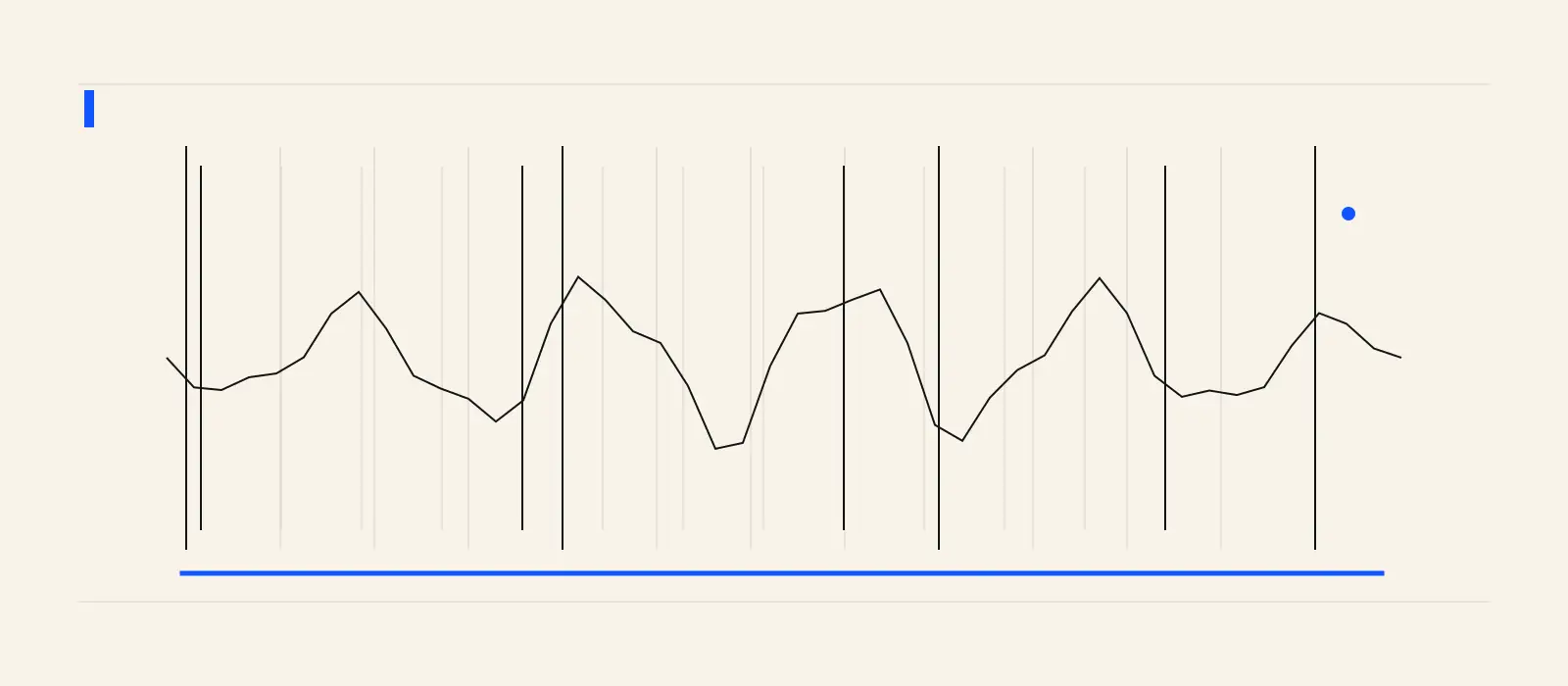
The problem also appears inside custom detection code. One home-grown detector misread a 174 BPM track as 117.5 BPM where aubio found 178.8. Studio uses aubio for beat detection because the cost of a wrong grid is visible in every cut.
Why this matters visually
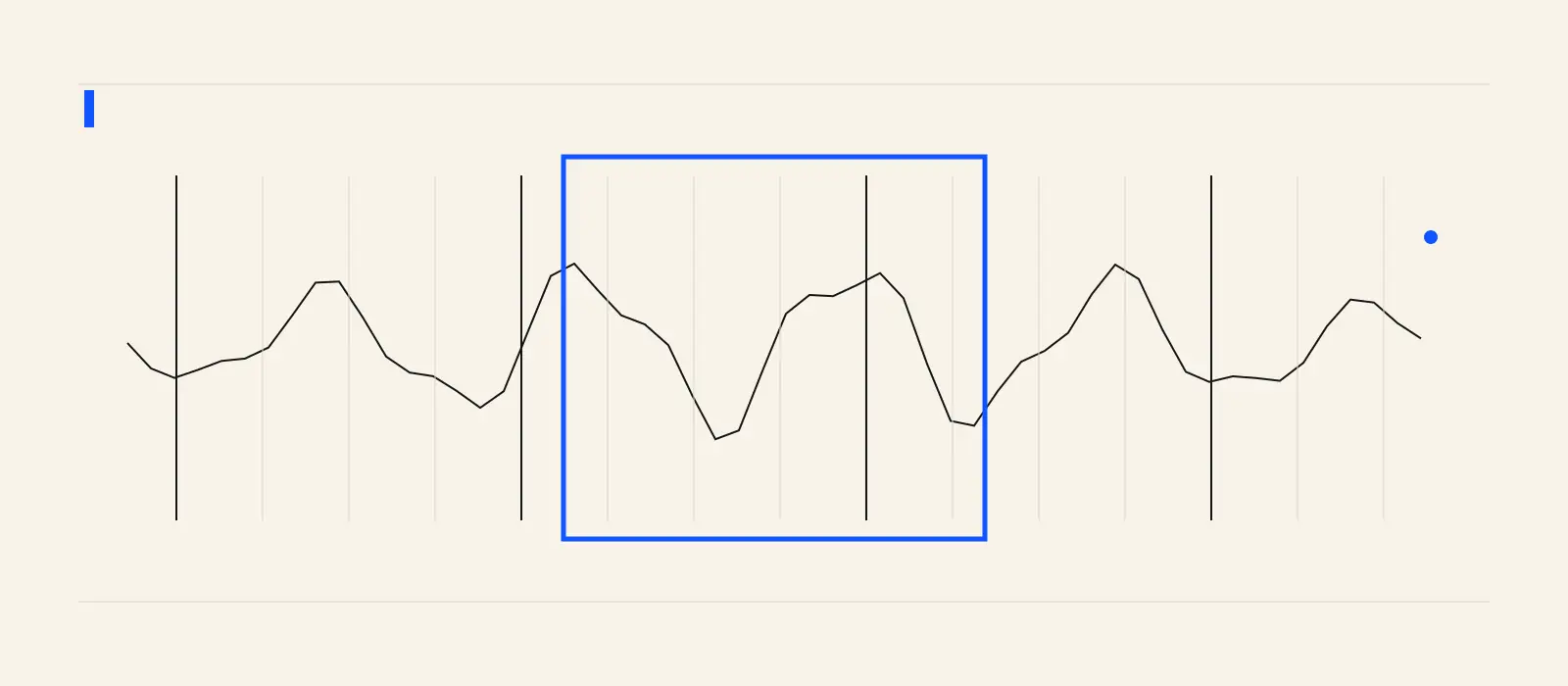
A small tempo error compounds. The first kick may line up, then the edit drifts. Lyric reveals start to feel late. A strobe or fracture that should hit with the chorus arrives between beats. Viewers may not name the problem, but they feel that the picture is not listening to the song.
Measured examples from Studio on the same date include "My End Title" at 133.6 BPM, "Broke in the Water" at 119 BPM, and "Paper Crown" at 137.7 BPM. Those numbers are operational measurements, not claims about a genre or model.
Use whole-song context
Tempo is not the only measurement that needs context. Loudness judged inside a short window can mislabel a chorus as quiet. Studio fixed this by judging loud and quiet sections against the whole song, then applying that understanding to the selected window. The same principle holds for visual direction: measure globally, act locally.
A simple production rule
Keep the prompted tempo as creative history. Use the measured tempo for editing. When a release visual needs exact hits, generate or revise against the beat grid from the actual audio file and review the result at the song moment where energy changes.
Connect the work
Go deeper before the next release decision.
The prompt is not the rhythm
Cut the visual to the song that actually came back.
Upload the finished track to Studio, measure the beat grid, and build lyric video or code-video motion from the real audio instead of the remembered prompt.
Measure a song windowFrequently asked
Questions, answered.
- Can I use the BPM from my original prompt?
- Use it only as context. For beat-synced visuals, measure the audio file that will actually be released.
- Is BPM enough to time a lyric video?
- No. BPM gives the grid; lyric timing still needs word-level or line-level alignment so words appear when the vocal says them.
Sources