How-to & growth / Artist systems
How to get your song into Instagram Reels audio
How distributor delivery puts an eligible release into Instagram's music library, plus a precise checklist for a song that is missing.
The short answer
Send the finished recording through a distributor that delivers to Facebook and Instagram, select that destination, and follow the distributor's eligibility and delivery status. Then search Instagram's Reels music picker by the exact artist and track names. If the song is missing, separate a delivery problem from an account or territory restriction before contacting the distributor with the release identifiers and screenshots.
Start with catalog delivery, not a Reel upload
An independent release normally reaches Instagram's licensed music library through a distributor or rights partner. DistroKid, for example, tells artists to select Instagram & Facebook in its Services section when uploading. Check your distributor for a Facebook, Instagram, Meta, or social-platform destination and confirm that it is selected.
Uploading a Reel with the master already mixed into the video is a separate action, not catalog delivery. The useful outcome is a searchable entry carrying the artist and song title, not merely one Reel whose sound is attached to your username.
Timing differs by provider. CD Baby tells its customers to allow at least 30 days after opting in. That is CD Baby's guidance, not an Instagram-wide deadline. Follow the estimate and delivery status published by the provider that sent your release.
Verify the release from inside the Reels music picker
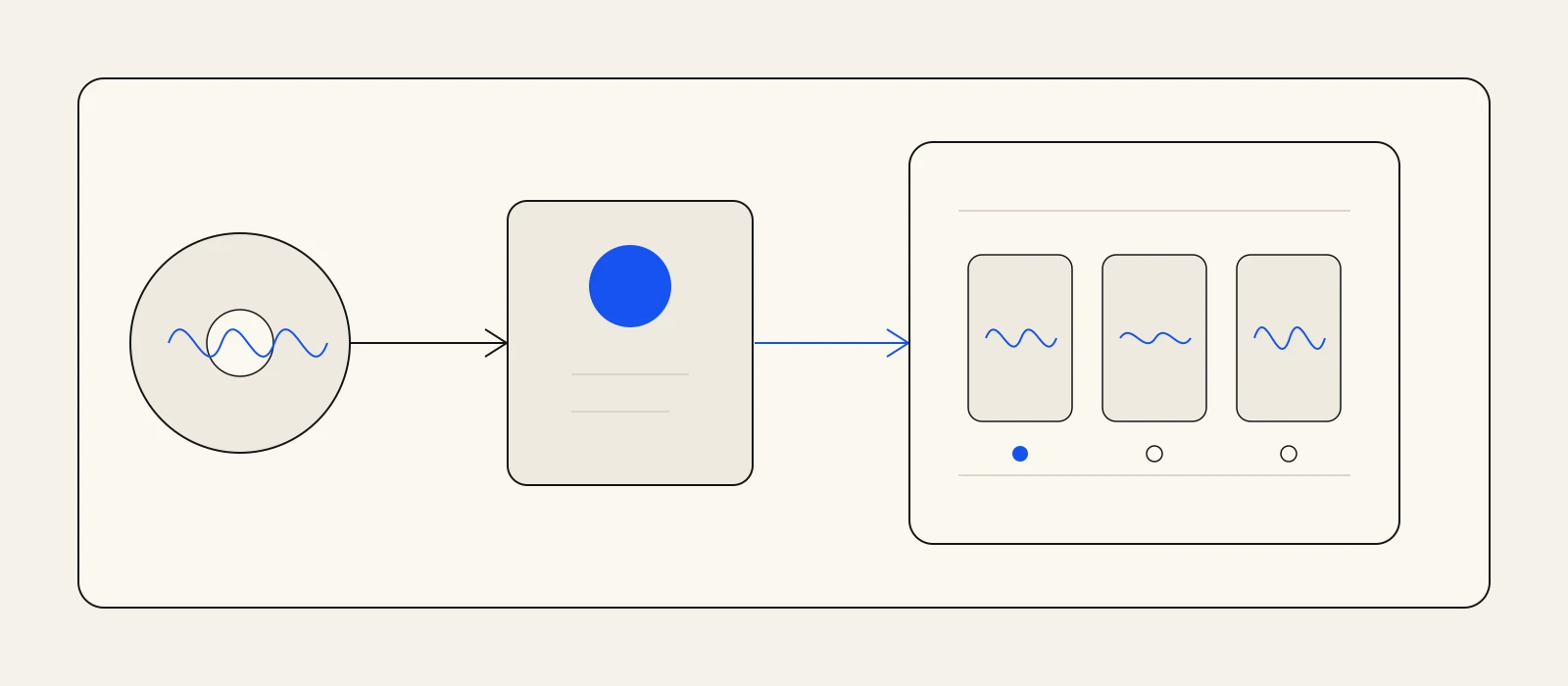
Once the distributor reports delivery, start a draft Reel and search the music picker by the exact track title, then the artist name. Listen to confirm the recording and compare the displayed credit with the release metadata. Test from the account and country you plan to use.
Artifex analysis recommends choosing the delivered library entry in the music picker instead of relying on Instagram to identify audio already mixed into the upload. That makes the intended catalog association explicit before publication and gives you a clear result to verify.
Save the distributor's delivery status, release date, UPC, ISRC, exact artist and title spelling, account type, country, and a screenshot. Those details turn a vague missing-song report into a support request that can be checked.
Diagnose a missing song in the right order
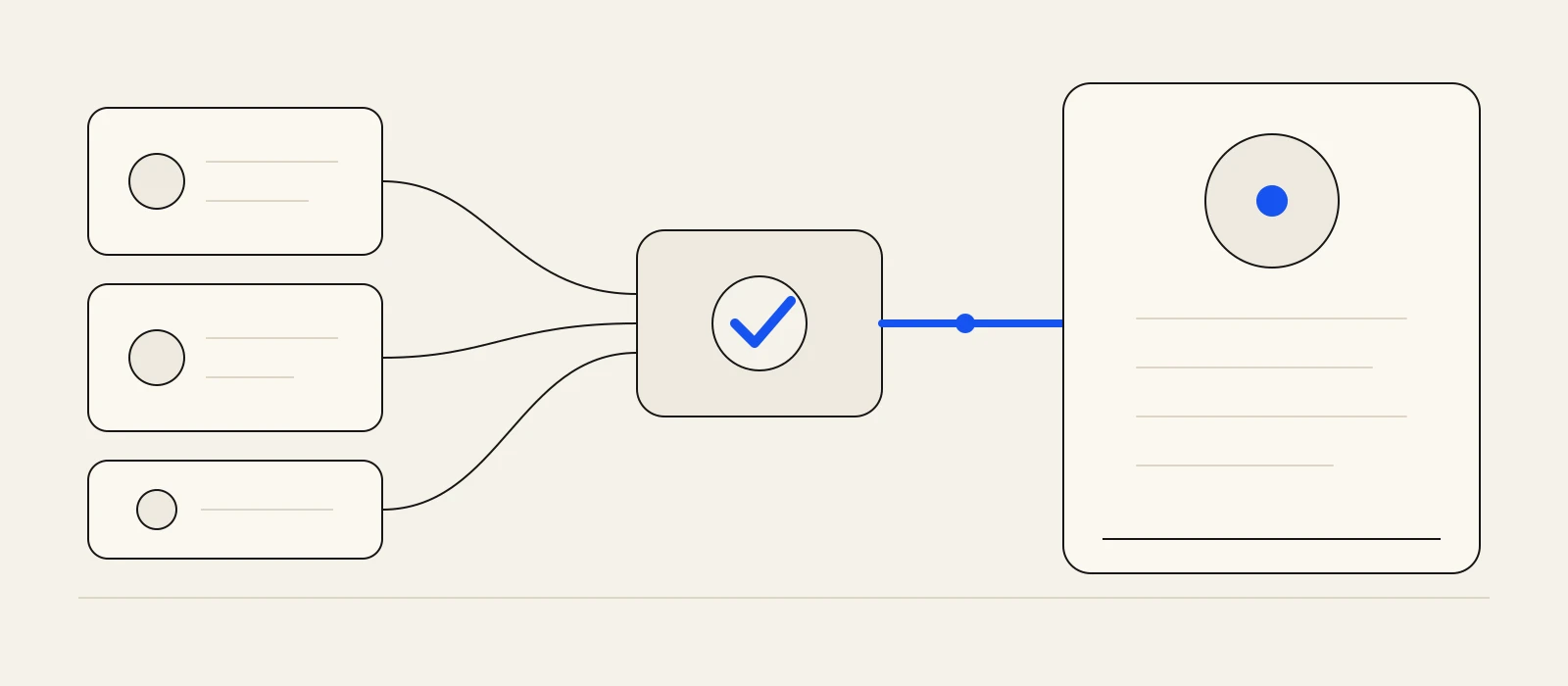
First test scope from another eligible account. If one account cannot find the song but another can, investigate account and territory access instead of sending the release again.
If nobody can find it, return to the distributor. Confirm the destination was selected, the release was accepted rather than merely submitted, and the stated processing window has passed. Then check eligibility. DistroKid, for example, says releases it sends to Facebook and Instagram should contain only audio the artist created. Ask your provider for the rejection or removal reason.
If the song has the wrong recording, artist, or title, do not create a second delivery first. Send the distributor the UPC, ISRC, expected metadata, affected link, and screenshots. Artifex analysis: one precise correction request is safer than creating competing entries.
- Missing only on one account: check account type and country access.
- Missing for everyone: check destination selection, acceptance, timing, and eligibility with the distributor.
- Present but wrong: report the identifiers, expected metadata, link, and screenshots.
- Present and correct: save the audio entry, choose the song window, and finish the Reel before release day.
Attach the official audio, and keep a recoverable master
When the track is available, choose it from the Reel music picker and select the intended section. A complete lyric thought, hook, or musical turn is easier to understand than a clip that stops before its payoff. This is an editing decision, not a promise of reach.
Keep the clean export and edit project outside Instagram. Rights can change after publication; Instagram says those changes may mute audio. A muted track can be replaced once with another licensed track. A recoverable master lets you recut if the replacement no longer fits.
Artifex Studio starts with your finished song and can make a word-timed lyric video and social-ready copy for the chosen moment. It does not deliver music to Meta. To attach the official track from Instagram's music library, post the Reel from the Instagram app; Studio's own posting uploads the video with its audio as it is.
Connect the work
Go deeper before the next release decision.
A catalog track still needs a visual entry point
Have the first Reel ready when the song becomes searchable.
Bring one finished song to Studio, choose its strongest self-contained moment, and make a word-timed lyric video plus grounded post copy. Review and export the asset, then attach the official audio and publish it yourself in Instagram.
Build the first Reel cutFrequently asked
Questions, answered.
- Can I upload a song directly to Instagram's music library?
- For an independent release, use a distributor or rights partner that offers Facebook and Instagram delivery. Uploading a Reel with the master in its video audio is not the same as delivering a searchable catalog track.
- Why can another account find my song when my account cannot?
- Meta says library access can vary by account type, post type, country, and region. Test another account before treating the issue as failed delivery.
- What should I send support when my song is missing?
- Send the artist and track names, UPC, ISRC, delivery status and date, country, affected account type, exact search terms, and screenshots. Start with the distributor that delivered the release.
Sources
- Instagram Help Center - Replace muted audio on your Instagram Reel ↗
- DistroKid Help Center - Getting your music into Instagram and Facebook ↗
- CD Baby Help Center - How to get your music on Instagram Stories and Reels ↗
- DistroKid Help Center - Song eligibility and requirements for delivery to Facebook/Instagram ↗