Templates & tools / Artist systems
Release-day visual asset checklist: every file to prepare
A platform-by-platform checklist for cover art, Spotify Canvas, vertical video, Reel covers, Shorts, TikTok, and YouTube thumbnails.
The short answer
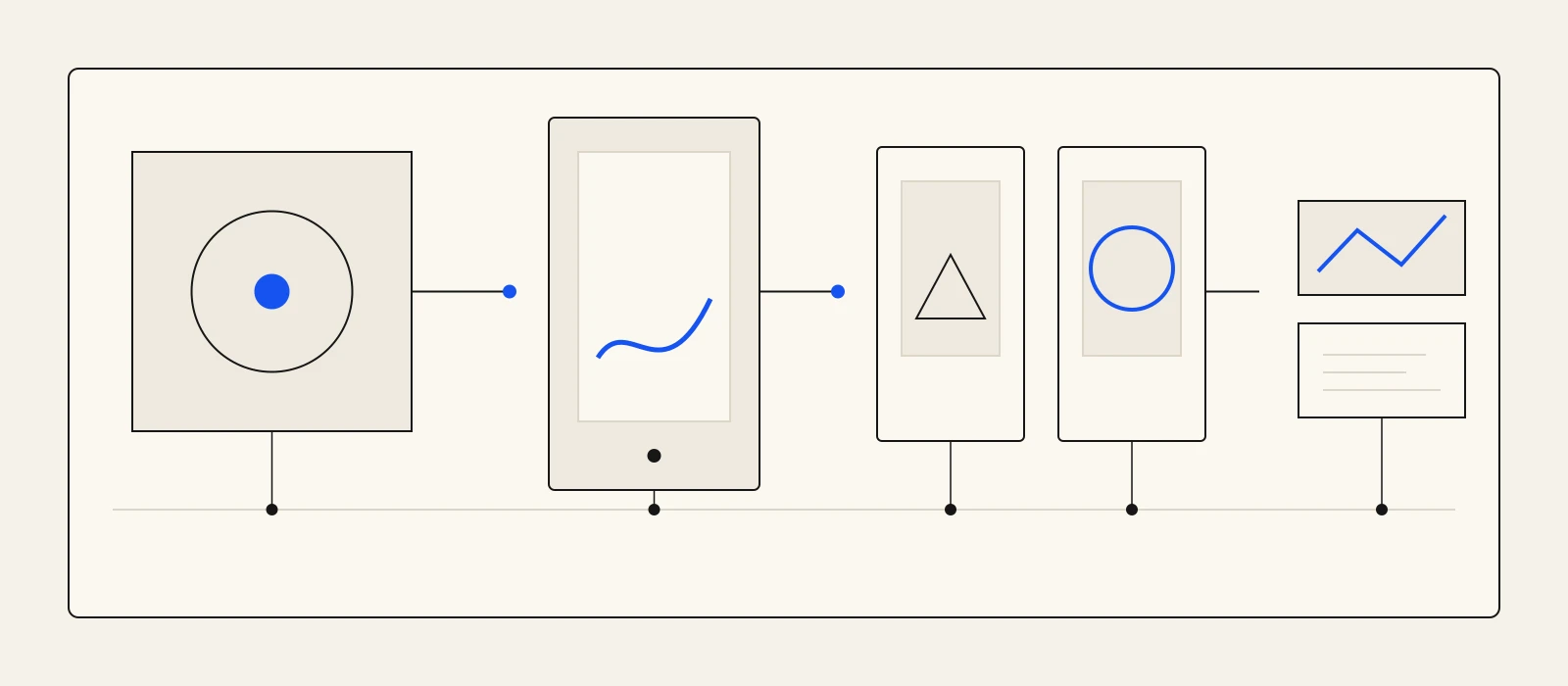
Prepare one visual system, then export distinct files for each surface: square cover art, a Spotify Canvas loop, a clean 9:16 video master with platform-safe variants, an Instagram Reel cover, and separate YouTube video and Shorts thumbnails. Check every file at phone size, keep important details away from interface edges, and upload manually from a clearly named release folder.
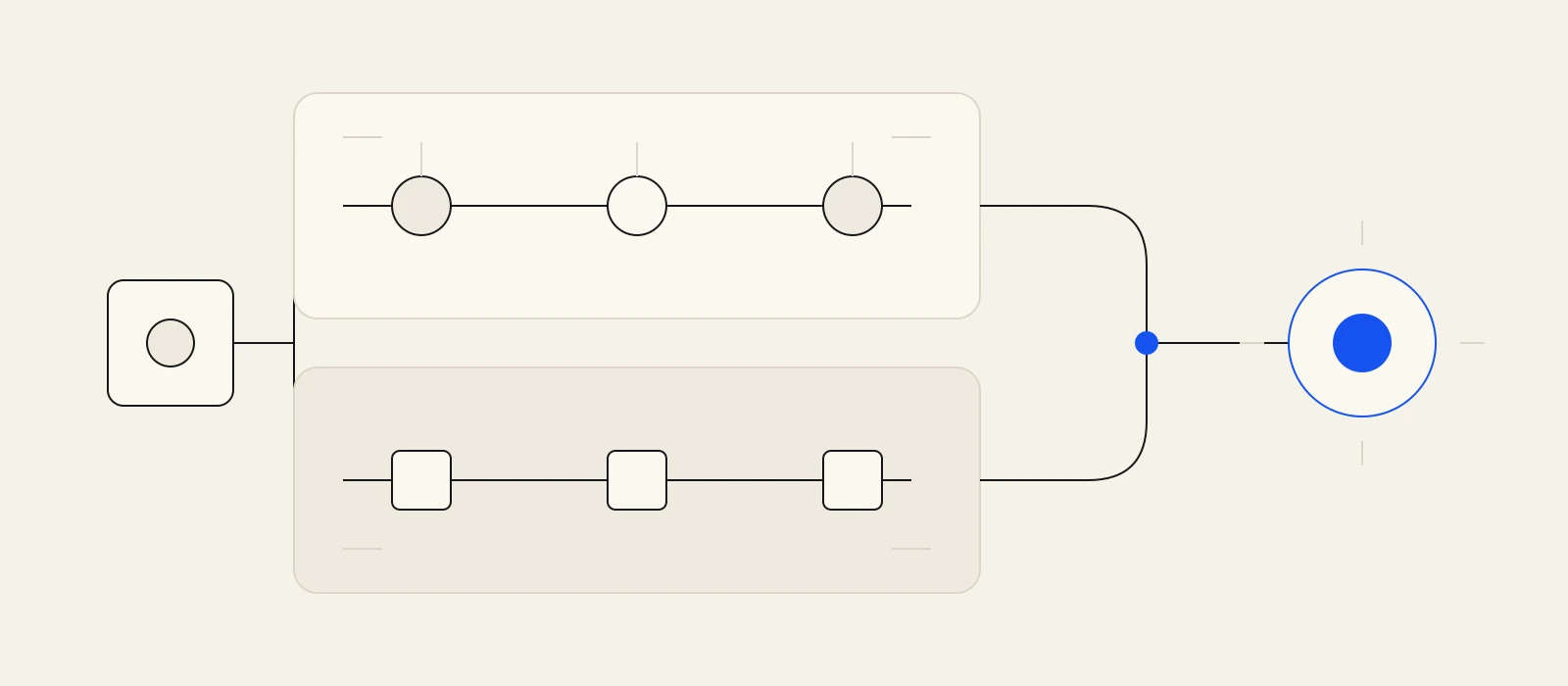
Start with one system, not one universal file
A release needs a shared visual idea, but the platforms do not ask for the same object. The cover must survive a square crop. Spotify Canvas is a short vertical loop. Reels, TikTok, and Shorts use vertical video but place interface controls in different areas. A long-form YouTube thumbnail is a separate widescreen composition.
Artifex analysis: build from one approved palette, motif, type treatment, and source artwork, then export for each destination. Keep a clean master without platform logos or burned-in interface elements. Duplicate that master before moving captions or focal details for each app. This preserves recognition without pretending one upload is sufficient everywhere.
Prepare the square cover and Spotify loop
Spotify Support says cover art must be square, between 640 and 10,000 pixels wide and tall, and supplied as losslessly encoded TIFF, PNG, or JPG in sRGB. It also says not to upscale. Treat the distributor's delivery rules as an additional gate because a distributor may impose a narrower specification than Spotify's published range.
Canvas is a different asset, not an animated cover upload. Spotify says it must be 3 to 8 seconds, vertical 9:16, 720 to 1,080 pixels tall, and MP4 or JPG. The platform warns that phone edges may be cut off, so keep the central subject and any essential motion away from the frame boundary.
- Cover: square, original-resolution source, sRGB, approved credits and spelling.
- Canvas: a complete loop that still reads with the song and artist name supplied by Spotify's interface.
- Archive: layered source, flattened delivery file, and a small reference preview.
- QA: inspect both at thumbnail size and on a phone before delivery.
Export a vertical family for Reels, TikTok, and Shorts
Instagram Help accepts Reels from 1.91:1 through 9:16 and sets minimums of 30 frames per second and 720 pixels. TikTok for Business gives a more specific production recommendation: frame vertically at 9:16, use 720p or higher, and leave room for the TikTok interface. YouTube Help describes Shorts as vertical videos up to 3 minutes long.
Artifex analysis: a 9:16, 1080 by 1920 clean master is a practical production source for all three, but it is not proof that identical caption placement works everywhere. Make separate delivery copies. Check the opening frame, lyric readability, audio start, final frame, and interface clearance inside each platform's composer before posting.
- Reels copy: at least 30 FPS and 720 pixels; choose the cover before upload.
- TikTok copy: 9:16, at least 720p, with essential detail clear of the interface area.
- Shorts copy: vertical, with a separate 9:16 thumbnail file if you plan to upload one.
- Clean master: no watermark, app chrome, or platform-specific call to action.
Design YouTube thumbnails as their own assets
YouTube currently recommends 3,840 by 2,160 pixels and 16:9 for a standard video thumbnail. For a Shorts thumbnail, it recommends 2,160 by 3,840 pixels and 9:16. The same Help page says uploaded custom thumbnails require a verified account and notes that custom Shorts thumbnails are added in YouTube Studio on a computer.
Do not crop the square cover mechanically and call the thumbnail finished. Recompose the same motif for the frame, enlarge the focal element, and remove detail that disappears on a phone. Keep an export with no text when the image alone carries the release, plus the approved version if the title is essential.
- Long-form video: 16:9 thumbnail, JPG or PNG, checked at small size.
- Short: 9:16 thumbnail, prepared separately from the first video frame.
- Approval: compare spelling, artwork version, and release identity against the final audio delivery.
Run the handoff before release morning
Put approved exports in one folder with plain names such as cover, canvas, reel, tiktok, short, short-thumbnail, youtube-video, and youtube-thumbnail. Add the source link and final approval date to the handoff note. Then open each upload flow while there is still time to replace a rejected crop, codec, or file. Artifex Studio prepares assets and copy, and posts them only when you do.
- Confirm every file opens, plays, loops, and contains the final song version.
- Check crops and interface overlays in the destination app, not only in the editor.
- Keep editable masters separate from platform delivery files.
- Record who approved the artwork, thumbnail, and vertical cut.
Connect the work
Go deeper before the next release decision.
Release day exposes missing files
Build the visual set before the upload windows open.
Bring one finished track to Artifex Studio, create coherent artwork and lyric-led video, approve each export, then publish the files yourself on the platforms you choose.
Build a release asset setFrequently asked
Questions, answered.
- Can one 9:16 video be posted unchanged to Reels, TikTok, and Shorts?
- It can be the clean production master, but make platform-specific copies. Each app places interface elements differently, so captions and important visual details need a final clearance check in the actual upload composer.
- Is the Spotify cover file also the YouTube thumbnail?
- No. Spotify requires square cover art, while YouTube recommends a 16:9 image for standard video thumbnails. Reuse the visual identity, then recompose the focal point for the widescreen frame.
- Does Artifex Studio publish these assets for the artist?
- No. Studio creates artwork, lyric-led video, generated video, imagery, and social-ready copy from a finished track. The artist reviews, exports, and uploads the approved files manually.
Sources